Free Image to Image AI Generator
Upload a picture, describe the change, and image to image AI redraws it in seconds — text to image works too, with frontier models in one place.
Image editing examples
How Image to Image AI Works
An image to image AI generator starts from a picture instead of a blank page: the model reads your reference, follows a written instruction, and redraws only what you asked to change. It's the fastest way to restyle, recolor, or rebuild a visual you already have without losing what works.
- 1
Add your reference
Drop in a photo, scan, screenshot, or an earlier render — JPG, PNG, or WebP up to 2MB, with one or more references per run.
- 2
Say what changes
One focused instruction beats a paragraph: name the edit, then the things that must stay put — subject, pose, framing, light.
- 3
Generate and iterate
Compare the result against your original, tweak the wording, or feed the output back in as the next reference until it's right.
Image to Image AI, Before & After
Every pair is a real reference and the short prompt that changed it — restyles, background swaps, relighting, object removal, virtual try-ons. Open one to run the same image to image edit on your own picture.
What Image to Image AI Can Do
Restyle any picture
Send a photo through watercolor, anime, editorial illustration, or 3D-render treatments — image to image AI restyles the frame while the subject stays recognizably itself.
Swap the background
Lift a product onto a clean studio sweep or move a portrait to a different city without re-shooting anything.
Shift color, light, and mood
Take a scene from noon to blue hour, warm up a cold interior, or recolor a product line in one pass.
Add or remove things
Name the object and it appears — or disappears, with the scene rebuilt behind it so nothing looks patched.
Keep the subject consistent
Carry a character, product, or design through new scenes and styles with its defining details intact.
Blend several references
Point one image at the subject, another at the setting or style, and the prompt tells image to image AI how they combine.
Why Run Image to Image Here
Beyond the edit itself: the models you can reach, the editor they share, and where your results live.
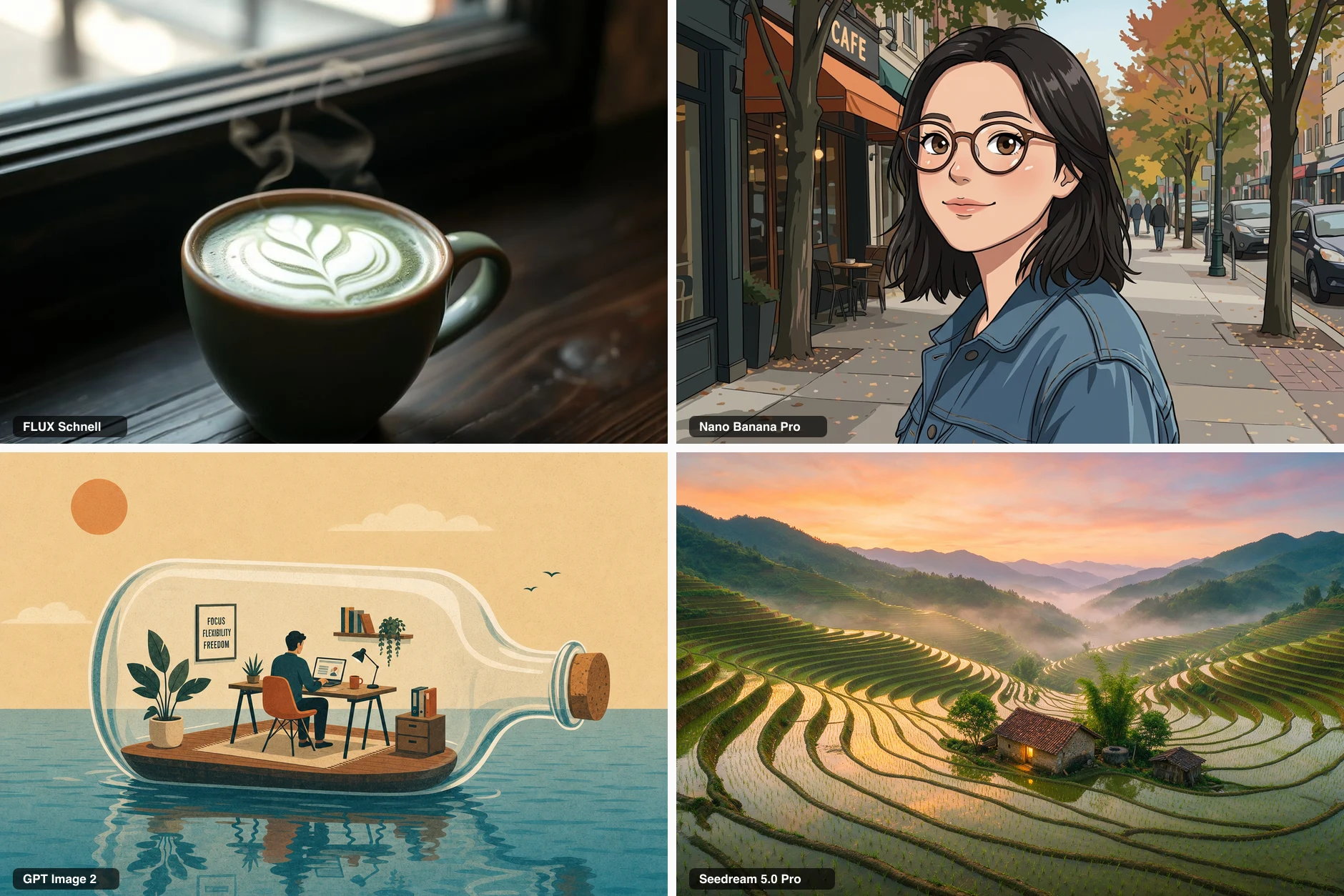
Frontier models, one prompt box
A curated lineup of frontier image models — instant-draft speed through 4K-class detail — switchable per run, with no separate subscriptions to manage.
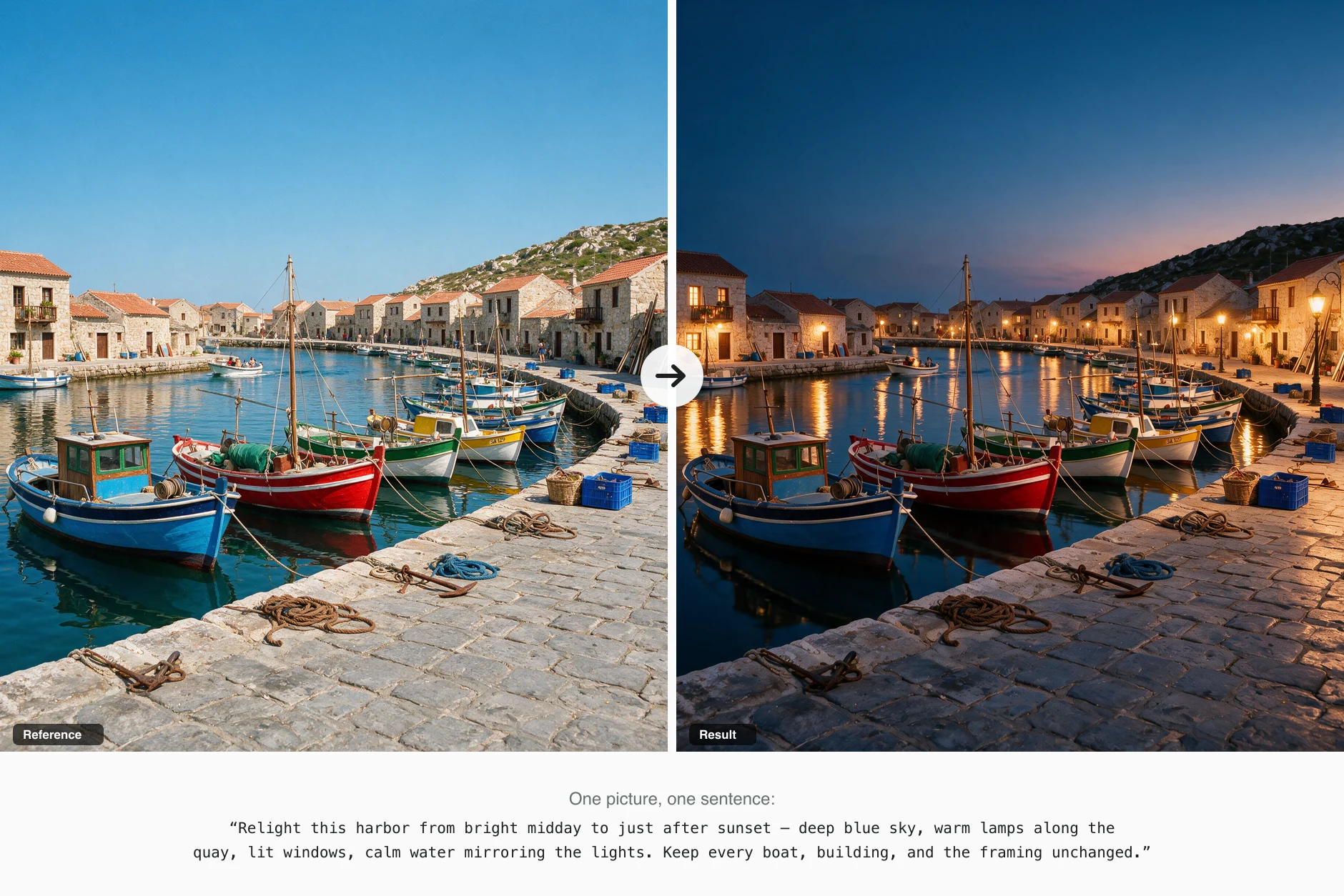
Start from a picture or a sentence
The same editor covers both directions: text to image when you're starting fresh, image to image when something already exists. References, aspect ratios, and per-model credit costs sit in one panel.
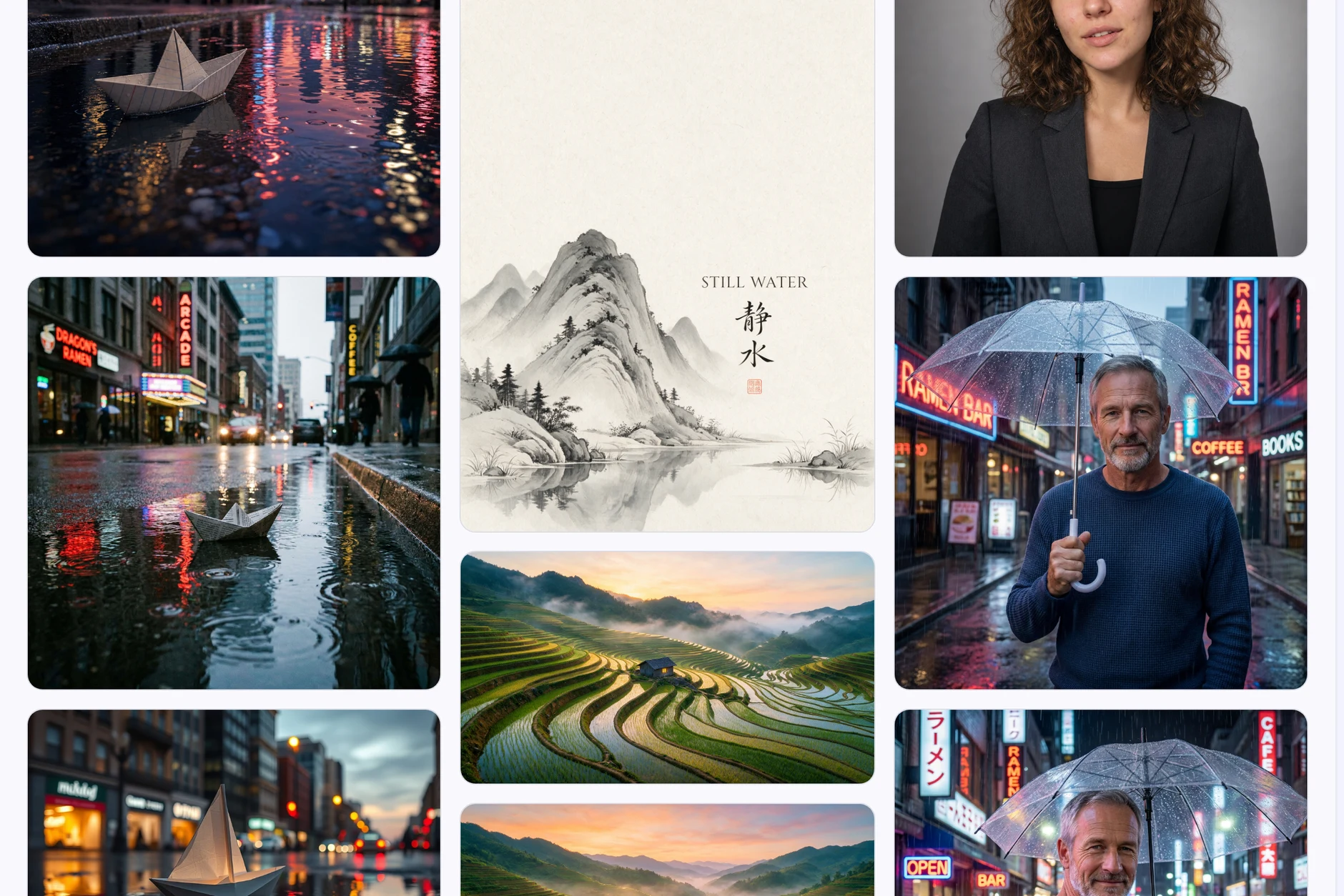
Your results, kept private
Every generation lands in your own library with its prompt and model attached — download full resolution, rerun, or use any result as the next reference. Nothing is published unless you share it.
Image to Image AI FAQ
Short answers on references, prompts, credits, and rights.
What is an image to image AI generator?
It's a tool that generates from an existing picture instead of from words alone. An image to image AI generator reads your reference, applies the change your prompt describes, and keeps composition, subject, or style wherever you tell it to.
How is image to image different from text to image?
Text to image invents the whole frame from a description. Image to image is anchored: your reference decides what the scene is, and the prompt decides what moves.
Is the image to image generator free?
New accounts start with free credits — no card required. Each run shows its credit price up front, so you always know the cost before generating.
How close will the result stay to my picture?
That's mostly in your prompt. Ask for one change and name what must not move, and the output tracks the reference closely; ask for a sweeping transformation and the model takes more liberties.
How do I write a good editing prompt?
Lead with the change, follow with the anchors: "make it snow; keep the storefront, signage, and framing exactly as they are." Short and concrete beats long and poetic.
Which image to image model should I pick?
Match the model to the job: speed-focused models for drafts and volume, detail-focused ones for typography and complex scenes, high-resolution ones for photoreal finals. Each model's strengths and per-image cost appear in the picker, and switching between runs is free.
Can I use the results commercially?
Yes — what you generate is yours to use, commercial work included, within our terms and the model providers' terms.
Do I need a GPU, an install, or an API key?
No. The image to image AI runs server-side; a browser is the whole requirement.
Do you support NSFW content?
No — NSFW and explicit content is not supported here. A flagged prompt or image is blocked by the model's safety system and no image is generated, while the credits for the attempt are charged and not refunded. Please don't submit this kind of content.
Are my uploaded pictures stored?
Reference images you upload are automatically deleted from our storage within 48 hours — we keep them only long enough to run your generations. Generated results stay in your history for 100 days.
Turn Your Picture into the Next One
Upload a reference or start from words — free starter credits cover your first image to image runs, no card required.